Move files securely. Synchronize only what changed.
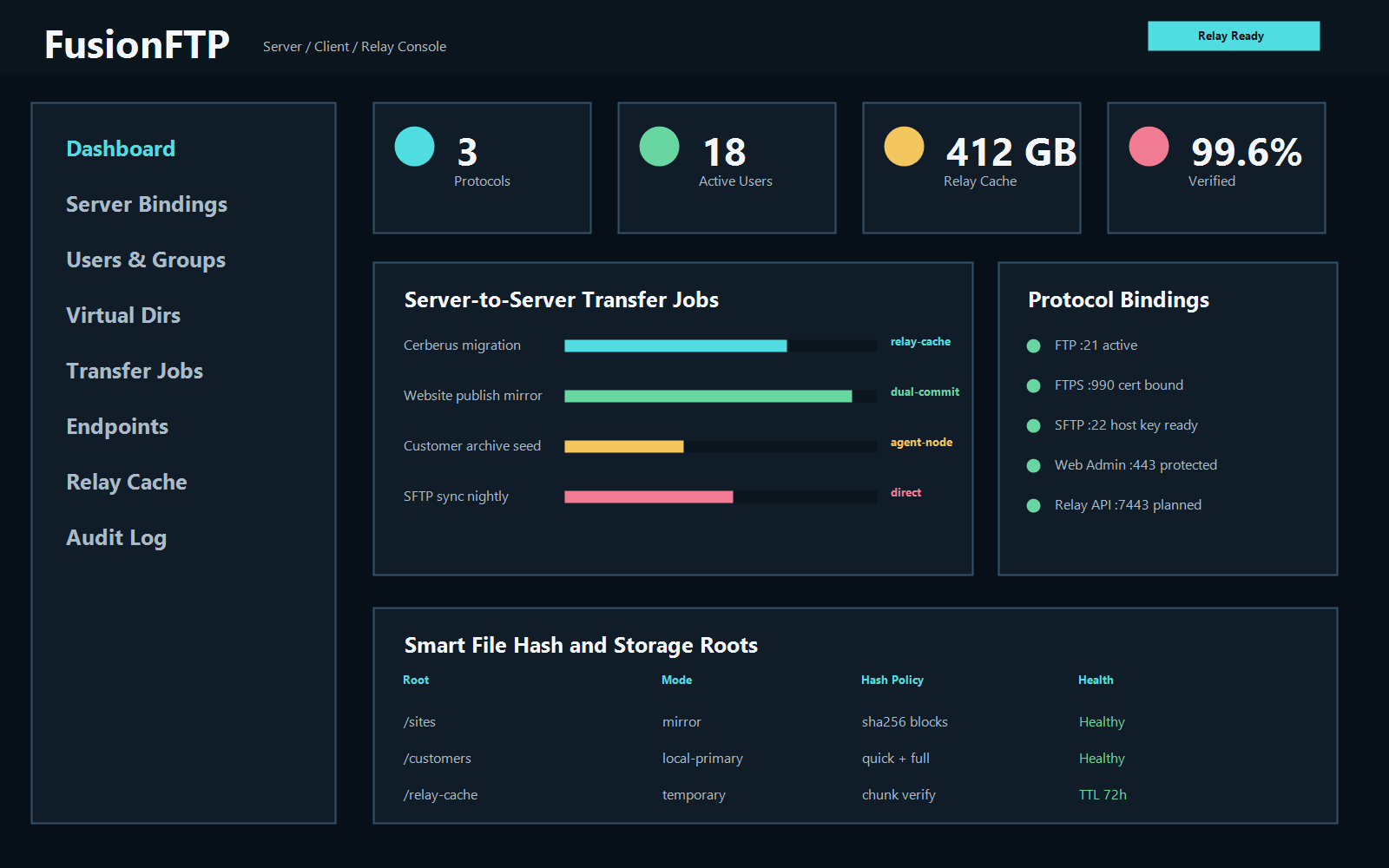
SERVER · CLIENT · RELAY · SMARTSYNCFTP means File Transfer Protocol. Fusion FTP brings FTP, encrypted FTPS, SFTP, two-panel file operations, verified synchronization, remote administration, and server-to-server relay into one connected transfer platform.
Server, client, and relay work as one transfer system.
Deploy secure endpoints, operate familiar local and remote file panels, automate unattended movement, and retain verification evidence across every transfer.
Fusion FTP Server
Run FTP, explicit or implicit FTPS, and SFTP listeners with users, groups, virtual directories, permissions, certificates, host keys, bandwidth policies, audit history, and remote administration.
Fusion FTP Client
Browse local and remote systems in two panels, queue recursive transfers, connect server to server, protect credentials, pin SFTP fingerprints, and recover interrupted operations.
Fusion FTP Relay
Move encrypted chunks between remote endpoints through governed relay nodes with resumable staging, retention controls, manifests, and destination verification.
SmartSync compares first, transfers changes, and verifies the result.
Capability negotiation, size filtering, SHA-256 comparison, an understandable change plan, resumable queues, and post-transfer verification reduce unnecessary movement without silently deleting additional destination files.
Compare
Build source and destination manifests and identify matching, changed, and missing content.
Transfer
Move only required files or chunks through direct, client-mediated, or relay paths.
Verify
Confirm size, content hashes, permissions, manifests, and auditable completion evidence.
Encrypted protocols with verification before trust.
Security controls are part of the transfer path, not an afterthought. Connection profiles keep secret references separate from configuration, and remote identities are checked before credentials or content move.
Protected FTPS sessions
Explicit and implicit FTPS perform a TLS-only probe before authentication. Operators can review and pin the server certificate fingerprint, while later certificate changes are rejected for investigation.
Verified SFTP hosts
SFTP means SSH File Transfer Protocol. Host-key fingerprints are pinned per connection so an unexpected remote identity cannot silently receive credentials or files.
Credential separation
Desktop profiles store only credential references. Password material remains in the operating system credential manager while permissions, limits, sessions, and audit events remain visible to authorized operators.
Operate transfers from the desktop, the server, or nearby nodes.
Fusion FTP separates transfer intent from the machine running the user interface. Work can stay near the source, destination, or storage tier while operators retain one job history and verification model.
Desktop operations
Use familiar two-panel browsing, recursive queues, retry and cancellation controls, optional bandwidth limits, and multiple authenticated sessions for safe concurrency.
Relay and Agent Nodes
Place governed nodes beside private FTP, FTPS, SFTP, SMB, or local storage systems to stage encrypted chunks, resume interrupted work, and avoid routing every byte through an operator workstation.
Migration and replacement
Inventory existing endpoints, users, roots, and policy; stage configuration changes; verify destination access; then move or synchronize content with manifests and completion evidence.
Use the right transfer behavior for each file.
Automatic MODE Z compression reduces transfer size for text-heavy web and data formats while leaving archives, media, and other already-compressed content alone. Per-connection controls allow Automatic, Always, or Off behavior, and compression remains inside the protected FTPS data stream when negotiated.
Transfer and storage efficiency share the same foundation.
Fusion FTP Server and Client integrate with Fusion VFS, Vault Backup, Vault Cloud Storage, and VaultX. High-speed compression and deduplication reduce repeated data, conserve capacity, and keep protected content available across local, portable, server, and cloud systems.
Programmable movement for real operations.
Use Solerra workflows to react to arrivals, validate packages, route files, trigger processing, enforce retention, generate evidence, and connect transfers to Fusion Bridge, Fusion Analyze, and Fusion Command outcomes.
A secure transfer product within the connected Fusion portfolio.
Move content between people, applications, devices, storage tiers, and processing systems without turning file delivery into an isolated black box.Product overviewFusion FTP · Secure transfer · SmartSync · Relay · Verification · Fusion Software LLC · 2026